Early access · Mac and iPhone
Mail that keeps track of what matters.
A native mail app for Mac and iPhone. Collect ongoing emails into Matters until they're done, triage your inbox card by card, and sync across your devices.


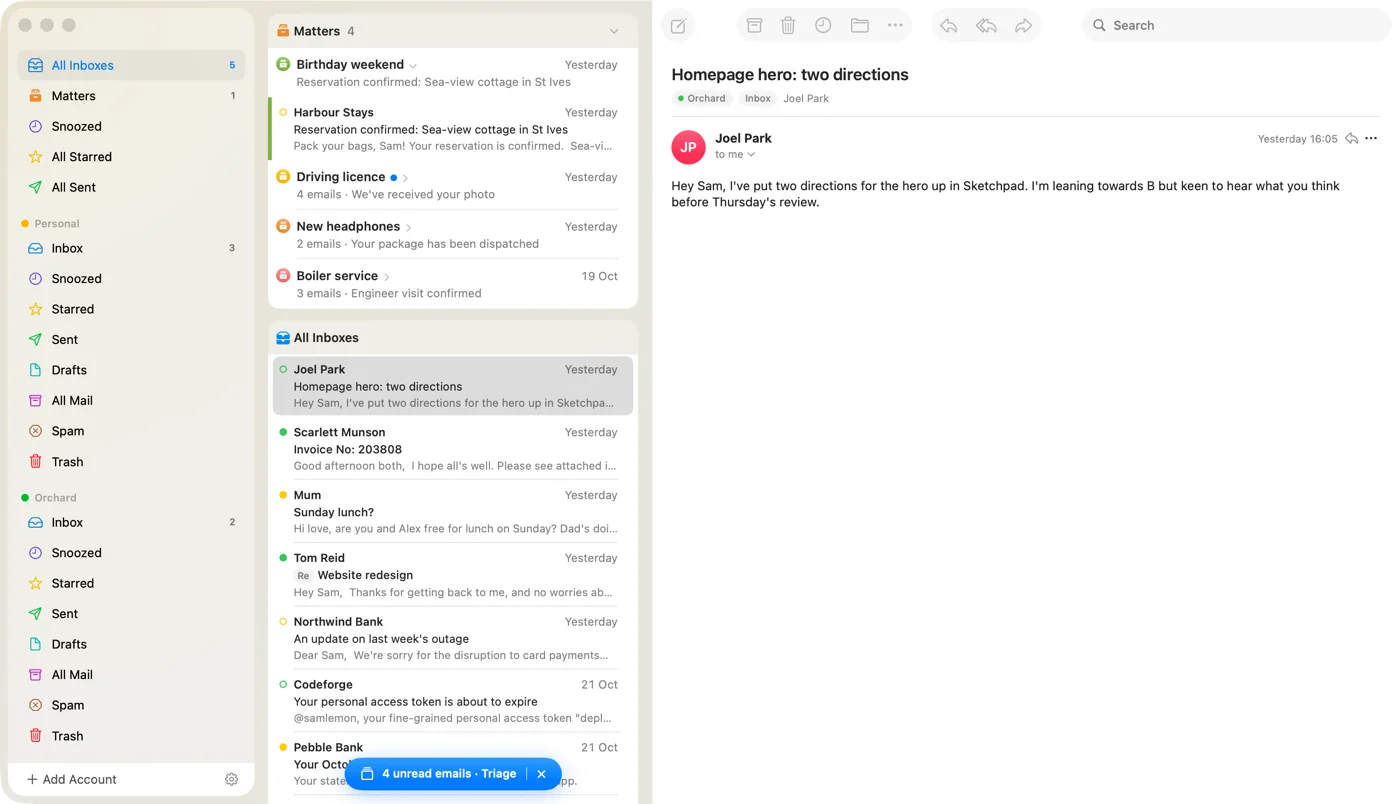
Matters
For the things that take a few emails to finish.
Put the emails about something ongoing in a Matter. They wait together at the top of your inbox until it's done.
- Track the important things at the top of your inbox.
- Drag and drop mail into matters.
- Add notes to each and get periodic nudges.


Triage
Your inbox, one card at a time.
Triage deals your unread mail out like a deck of cards. Swipe to quickly sort through them.
Delete
Swipe left to delete.
Not even worth reading? Flick it to the trash.
Archive
Swipe right to archive.
Archive the mail you don't need to deal with but might want to find later.
Snooze
Swipe up to snooze.
Need to remember this? Swipe up to snooze, choose a time, and it's out of the way until then.
Snooze
Out of sight, out of mind, out of Matter (for now).
Snoozed mail leaves your inbox and comes back when you want, at the top, under Back from snooze.
- Whenever, wherever. This Evening, Tomorrow Morning, Next Week, or choose your own date/time.
- What if they reply? New mail in the conversation brings it back to the top of the inbox.
- On any device. Snoozes sync between your Mac and iPhone. If your Mac is asleep, a silent push wakes your iPhone to bring the email back.
- From anywhere. Swipe up in Triage, tap the clock on a message, or customise gestures on emails to access even quicker.
And the rest
Everything else, done carefully.
-
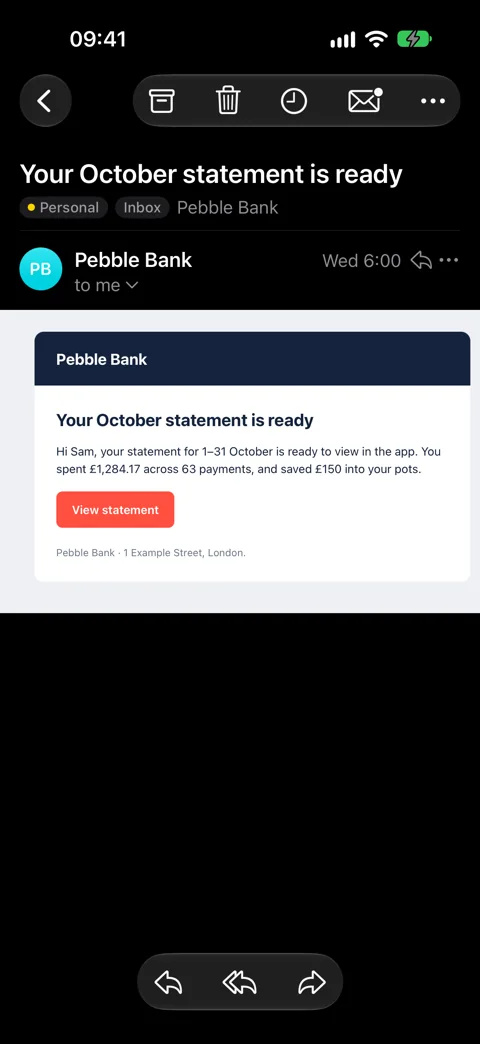
Native on Mac and iPhone.
Made by hand for both platforms. Not just a website in a window.
-
Gmail and IMAPAll your inboxes. One list.
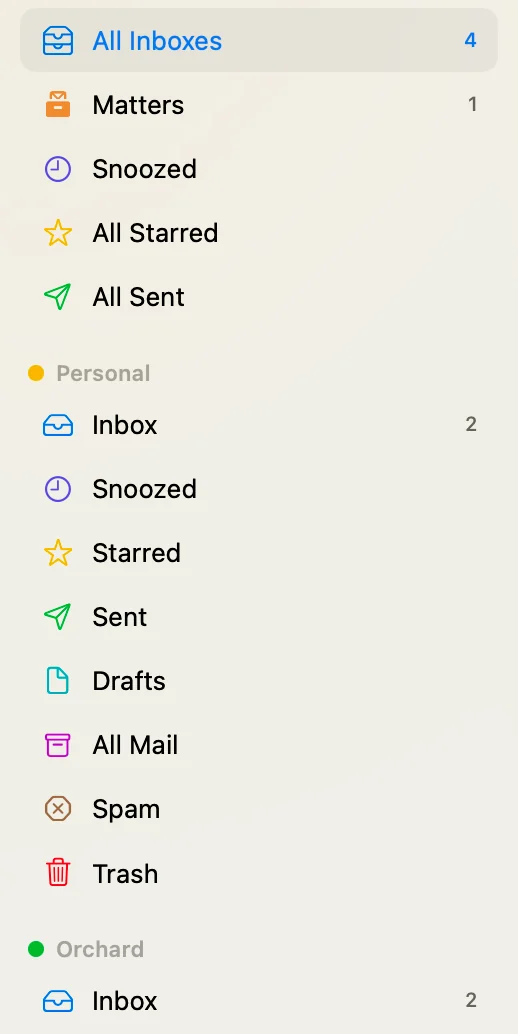
-
Gone when it's dealt with.
Notifications that tidy up after themselves.
-
Accept. Maybe. Decline.
Answer calendar invites right in the app.
-
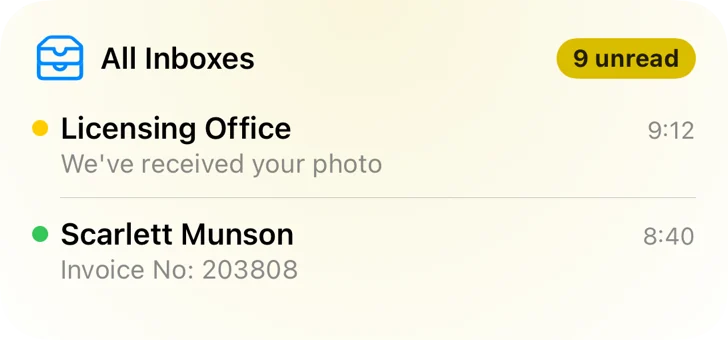
WidgetsYour inbox, at a glance.

-
Undo Send.
Offline? Your mail will wait in the Outbox.
-
Tomorrow, 8:00.
Send Later, from whichever device is awake.
-
PrivacyYour mail stays on your devices.
We don't store your email. The app talks to Gmail or your mail server directly.
-
Push, without your mail.
Our push server never sees the contents of your email.
-
Unsubscribe in one click.
Surface unsubscribe links right at the top of a newsletter.


Be one of the first to try it.
Matter Mail is in testing now. Leave your email and we'll let you know when there's a place for you.